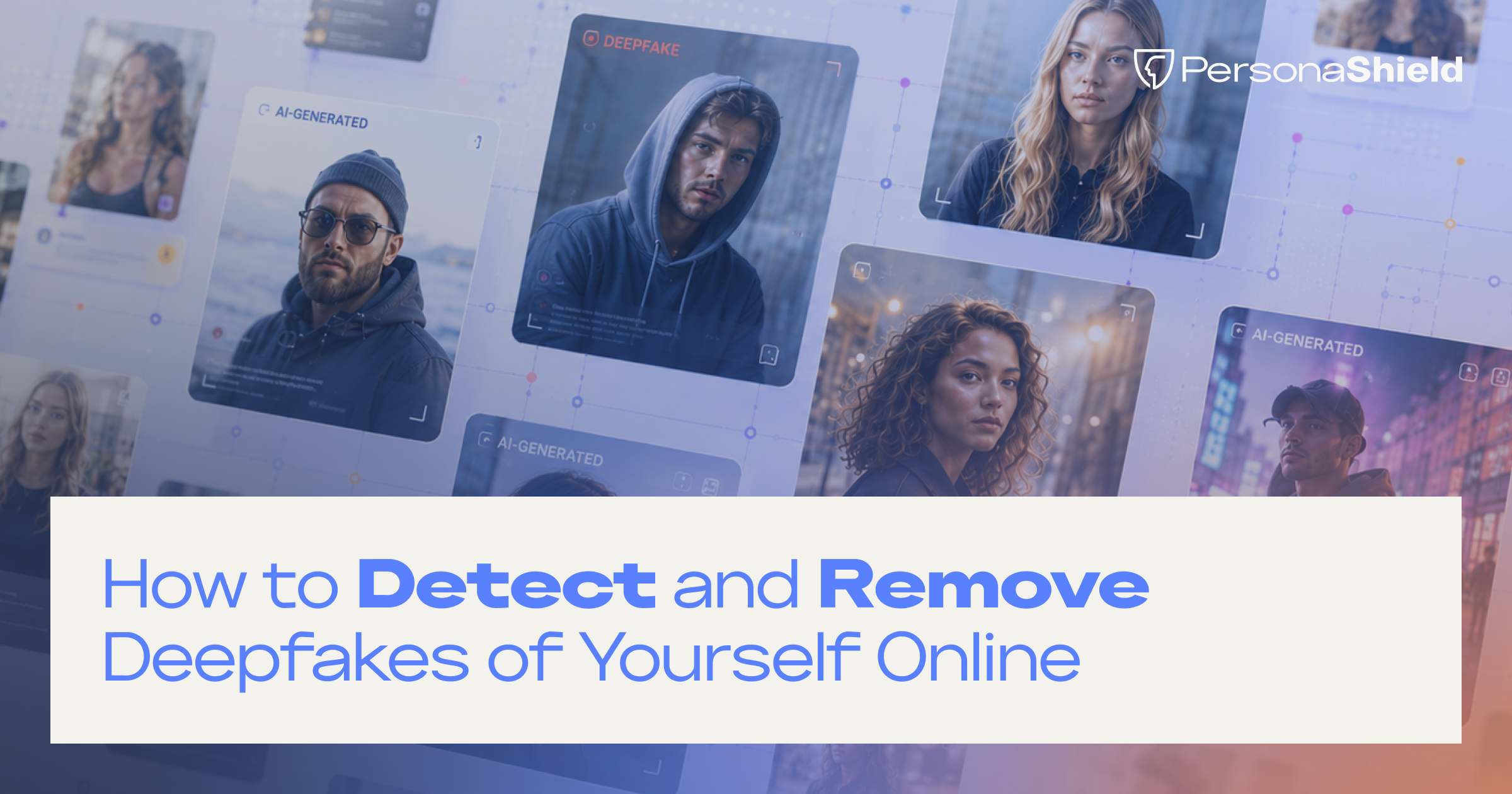
Seeing your own face in something you never made is unsettling. Maybe it is a photo of you at an event you never attended, or a face-swap that drops you into a video you were never in. The first instinct is usually to wonder how far it has gone and what you can even do about it.
The good news is that you have real options, and most of them cost nothing and can start today. Knowing how to detect and remove deepfakes of yourself online mostly comes down to looking in the right places and knowing who to tell once you find something. A recognizable face is what these fakes lean on, so creators, athletes, and public figures tend to run into them first, but the same steps work for anyone with photos online.
What Counts as a Deepfake or AI-Generated Image?
Before you can find this content, it helps to know what you are looking for. A few different technologies get grouped under the same umbrella, and they do not all work the same way, but they tend to create the same problem, which is your likeness being used in something you never agreed to.
There is a lot of it, too. Researchers estimate the number of deepfakes online jumped from about 500,000 in 2023 to roughly 8 million in 2025, a figure also cited by the UK government. That scale is why a familiar face is now a realistic target rather than a rare one. Most of what you will come across sorts into one of three types, so it helps to tell them apart.
1. AI-Generated Images
These are pictures built by an AI image generator from a text description, often shaped around how a real person looks. There was no original photo of the moment. The model produced it from scratch, which is why an AI image can place you somewhere you have never been, wearing something you never wore, doing something you never did. Add motion and sound to that same idea and you get the next type.
2. Deepfake Videos
A deepfake video swaps or synthesizes a person's face, and sometimes their speech, onto footage so it looks like they said or did something they did not. These are the clips behind most fake endorsements and scam ads, since motion and sound make them more convincing than a still image. Both of those types build something new, though plenty of misuse starts from something real instead.
3. Edited or Manipulated AI Content
This is the in-between category, a real photo or video of you that AI has altered. The source material is genuine, but the pose, the setting, the wording, or the context has been changed. Because it starts from something real, it can be the hardest of the three to spot and the easiest to pass off as authentic.
The technologies differ, but the practical problem is the same for you. Your likeness is being used without your say-so, and the label matters far less than what you do about it.
How to Detect Deepfakes and AI Images Using Your Likeness
Detection comes down to looking in the right places and knowing what to look for. Most unauthorized AI content is never sent to you, so waiting for someone to notify you is not a plan. A little routine checking finds most of it, and the habits below stack together, starting with the one that takes almost no effort.
1. Search for Your Name and Image Regularly
The simplest habit is also the most effective. Set aside a few minutes on a schedule and search for yourself the way a stranger would. Cover three kinds of places.
- Search engines. Run your name, your handles, and common misspellings, and look at the image results, not just the links.
- Social platforms. Search your name and handles inside the platforms where your audience already spends time, since that is where fakes get the most traction.
- AI communities. Prompt-sharing sites and forums are where a lot of AI images of real people first appear and circulate, often before they reach the wider internet.
Searching turns up what exists. Seeing how far it has spread calls for a different tool.
2. Use Reverse Image Search Tools
When you find an image and want to know where else it lives, reverse image search is the fastest tool for the job. You give it a picture instead of words, and it finds matches and near-matches across the web. Three are worth knowing.
- Google Lens handles Google's visual search and will surface pages where an image or a close variant appears, which helps you trace how far something has spread.
- Bing Visual Search does the same across Microsoft's index, and it sometimes catches results the others miss, so it is worth running as a second pass.
- TinEye specializes in finding exact and edited copies of an image and can show you the earliest known version, which is useful for working out where something started.
Finding the copies is one side of detection. Knowing what makes an image fake in the first place is the other.
3. Watch for Signs of AI-Generated Content
Some fakes announce themselves once you know the tells. Others are clean enough that the giveaway is context rather than pixels. Watch for a few patterns.
- Accounts you do not recognize posting images of you, especially new ones with few followers.
- Images you know you never created, in places you never shot.
- Backgrounds and details that do not hold up, like text that turns to nonsense, hands that look off, or lighting that falls the wrong way.
- Endorsements you never made, which is one of the most common commercial misuses of a creator's face.
- Real images pulled out of context and paired with claims you never said.
When you want a second opinion on a single image, provenance tools are becoming a reliable check. The Content Credentials standard, backed by Adobe, Microsoft, Google, and others, lets you drop an image into a verifier to see whether it carries a record of being AI-generated or edited. It will not catch everything, since it depends on the tool that made the image writing that record, but adoption is growing and it is a good habit.
What to Do if You Find an AI Image or Deepfake of Yourself
Finding it is the hard part. Once you have, the response is a short, repeatable sequence, and moving through it calmly gives you the best shot at a clean removal. It begins before you touch anything.
1. Save Evidence Before It Changes
Content like this can be edited or deleted the moment someone senses it has been noticed, so capture it first. Save the direct URLs, take full screenshots that show the content and the address bar together, and note the date and time you found each one. A clear record is what turns a report into something a platform can act on, and it matters even more if the situation ever escalates. With the proof safely captured, the next thing to sort out is where the content actually sits.
2. Identify Where the Content Was Posted
Work out where the content actually lives, because that decides who you talk to. Note the original platform where you first found it, track any reposts or accounts that have picked it up, and, if you can tell, the AI site or tool that generated it. The same fake can sit in several places at once, and each copy usually needs its own report. Once you know where it lives, you can match it to the right way of getting it down.
3. Decide Which Removal Option Applies
Different content calls for different removal routes, and picking the right one saves time. At a high level you have a platform report for content that breaks a site's rules, a copyright claim when the fake used footage or photos you own, a right-of-publicity claim in the many states that protect your name and image from unauthorized commercial use, and a terms-of-service angle for impersonation. Which one fits depends on the content and where you live. The legal side is still taking shape, and it is worth understanding the NO FAKES Act and the protections already in effect today before you lean on a legal route.
How to Report and Remove AI-Generated Content
Reporting is where the content actually comes down. Most removals run through one of a few channels, and knowing which to reach for keeps you from wasting a notice on the wrong door.
Platform reporting is the first stop for most creators. Every major platform has a path for impersonation and manipulated media, and you usually do not need an account on the platform to use it. On X, for example, the impersonation reporting form lets you or an authorized representative flag an account posing as you. Reports tied to clear evidence and a specific policy tend to move fastest.
DMCA requests apply when the fake was built from content you own, like your own video or photos. A takedown notice under the Digital Millennium Copyright Act asks the host to remove infringing material, and you do not need a registered copyright to send one. The U.S. Copyright Office explains the notice-and-takedown process, including what a valid notice has to contain and how counter-notices work.
Legal options come into play when the stakes are higher or a platform will not act. This is where right-of-publicity and the newer likeness laws matter, and where it is worth talking to a professional rather than going it alone.
Whichever route fits, the same limitation runs through all of them. Every one starts after the content is already up, and every copy is a fresh report to find and file. For a stray fake here and there, that is manageable. Once the same image is reposted across a dozen accounts, filing them one at a time turns into a second job, and that is the point where handling it by hand starts to break down.
Why Early Detection Makes Removal Easier
Timing matters a lot with this kind of content. AI images and videos spread through reposts and reuploads, and each copy makes the next one easier to find and share. The earlier you catch something, the fewer places it has reached, which means fewer reports to file and a better chance of removing it before it shapes how people see you.
The trouble is that catching it early by hand is hard. New versions can be created and spread faster than any one person can search for them, so manual detection quickly falls behind. Setting your safeguards up front is what makes early detection realistic. With your rules defined, they become something a tool can actively watch for, and that is where PersonaShield comes in. It looks for violations on your behalf, surfaces them as they appear, and prepares the takedowns, so the response is already moving before you would have found them yourself.
How Creators Can Stay Ahead of AI Misuse
Detecting and removing content one piece at a time works, but it keeps you reacting. The creators who feel in control of this are the ones who set things up in advance, so the system is watching before anything goes wrong.
A few habits make the difference.
- Monitor regularly. Whether you do it yourself or use a tool, consistent checking is what catches misuse while it is still small.
- Set clear boundaries. Deciding up front what use of your likeness is welcome and what is off limits gives you a firm line to point to, and it makes reports more straightforward. Permission-based creation is one way creators are drawing that line before problems start.
- Keep it in one place. Scattered screenshots and half-remembered reports are hard to act on. One home for your evidence, your rules, and your removals turns a pile of incidents into a process.
- Think long term. Protecting your likeness is not a one-time cleanup, it is part of running the business, the same way account security and copyright became standard for creators before it, and protecting a creator's likeness from AI digs into what that looks like in practice.
- Use a platform built for it. PersonaShield gives you one dashboard to manage your likeness and everything that surfaces around it, so staying on top of it is a quick check-in rather than a hunt across search tabs, inboxes, and forms.
Conclusion
No creator can watch every corner of the internet by hand, and you should not have to. What you can do is build a clear process, learn to spot AI content that uses your likeness, document it properly when you find it, and reach for the right removal channel. Protecting your likeness is not only about pulling content down after it appears. It is about staying informed, moving quickly, and setting yourself up to catch misuse before it spreads. Do that, and a version of you showing up online stops being a crisis and becomes something you already know how to handle.
And if you have already found a fake, or you just have a feeling there is a version of you out there you have not seen yet, PersonaShield can help you find it and get it taken down. Start a free trial or get in touch to see what it catches.